If you need to amend (Self transfer) the EXPORTER once the REX is authorized, kindly follow the below steps:
1. Edit the REX and under REX header change the message type to "Transfer (To change Exporter No)".
2. Under the Forward and Transfer details, select the radio button "TRANSFER RFP" and add the Transferee Client Group ID. (This will be your Client Group ID only) and add the "Transferee Exporter No" (Means the Exporter number and name that you want on the REX)
3. Now submit the REX. This will update the "Forward/Transfer Status" and the Current status will stay as it is.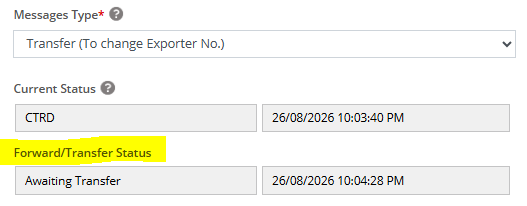
4. Once the Forward/Transfer status get update the Current status will be updated to Transferred.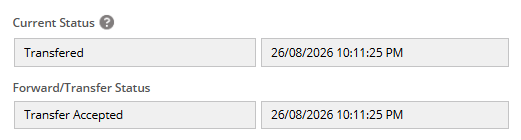
5. Now, change the message type to COPY from the dropdown and make the submission. The Current status will get updated back to it's actual status.
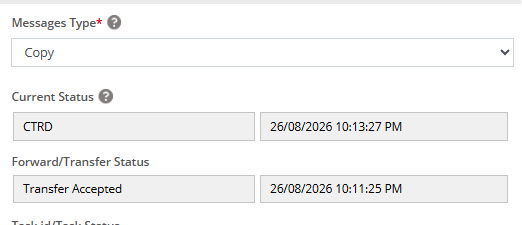
6. Now, change back the message type to Amend and continue the REX to progress accordingly.
Was this article helpful?
That’s Great!
Thank you for your feedback
Sorry! We couldn't be helpful
Thank you for your feedback
Feedback sent
We appreciate your effort and will try to fix the article