We have added and rearranged few of the screen fields for REX (NEXDOC) for better user experience.
Below are the following changes:
1. Now you have Forward/Transfer Status.
- This will help users to know exactly when the REX is forwarded or transferred to the receiving party.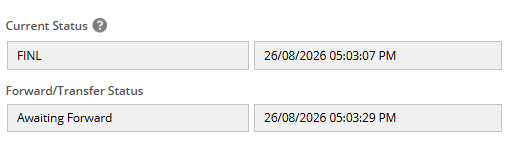
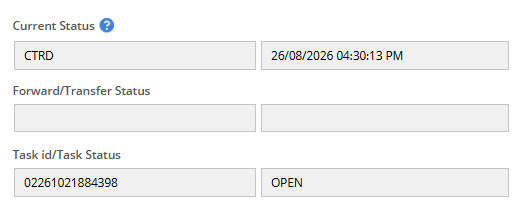
2. Task id/Task Status
- if the user makes a manual amendment or a replace request or a cancel request, than the associated task ID number will get updated to this field with it's current status so that user does not have to follow up with the department.
3. Transferee Exporter Number - This field has been rearranged under the Forward and Transfer details section now.
4. Manual amendment or Replace/cancel reason fields - These fields has been placed under "Amendment Details" section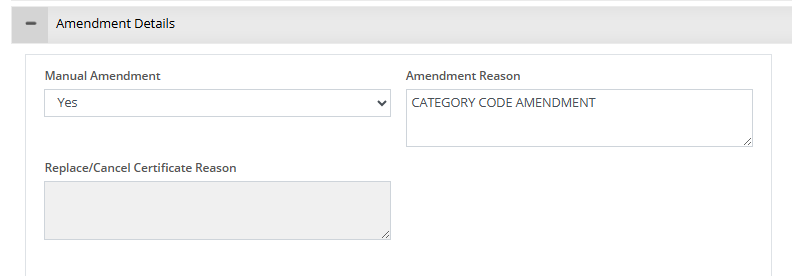
Was this article helpful?
That’s Great!
Thank you for your feedback
Sorry! We couldn't be helpful
Thank you for your feedback
Feedback sent
We appreciate your effort and will try to fix the article