1. Submit and Accept a Transport Booking
There is a new document called Transport Booking available in the document list.
Details entered on this document are submitted to the CTO portal.
The initial status of the Transport Booking document in ImpexDocs is ‘Created’
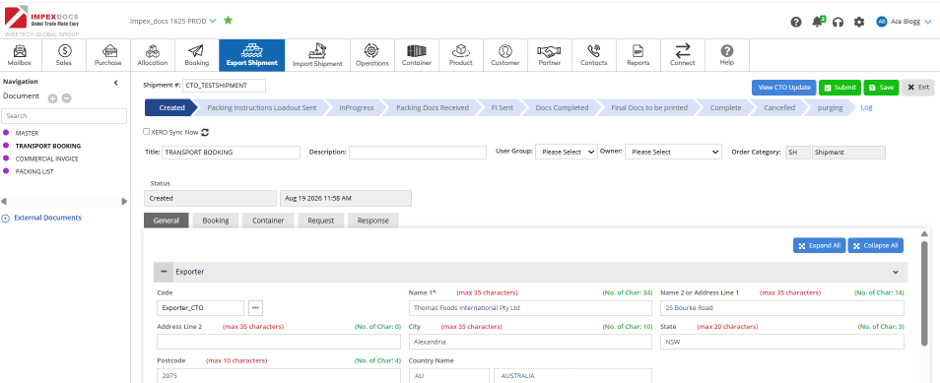
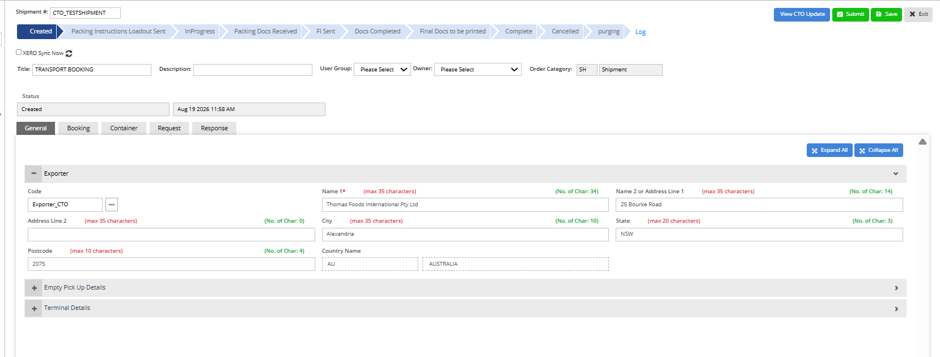
Enter the Exporter, Empty Park, Terminal details, booking and container details in the various tabs
Note: For Exports estimated departure date (ETD) should be after 21 days
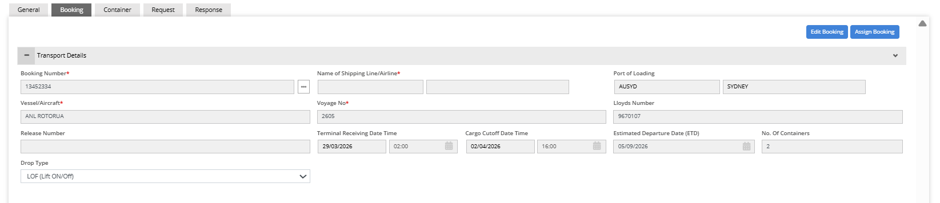
Note: For Exports, container number, seal number, or weights are not mandatory.
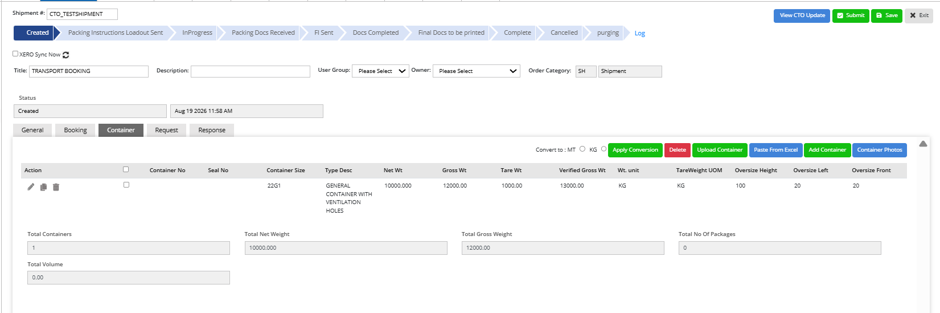
Once data is entered, click on submit 
If the booking is ineligible such as (wrong shipping line, incorrect terminal, container park co-ordinates etc) , the status of the booking will change to ‘Ineligible’
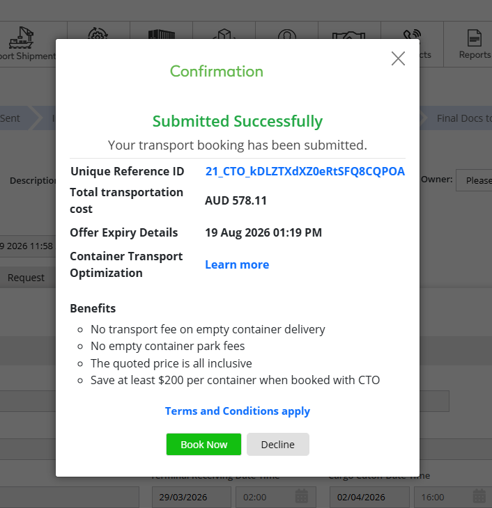
If the booking is eligible, a popup will appear as below:
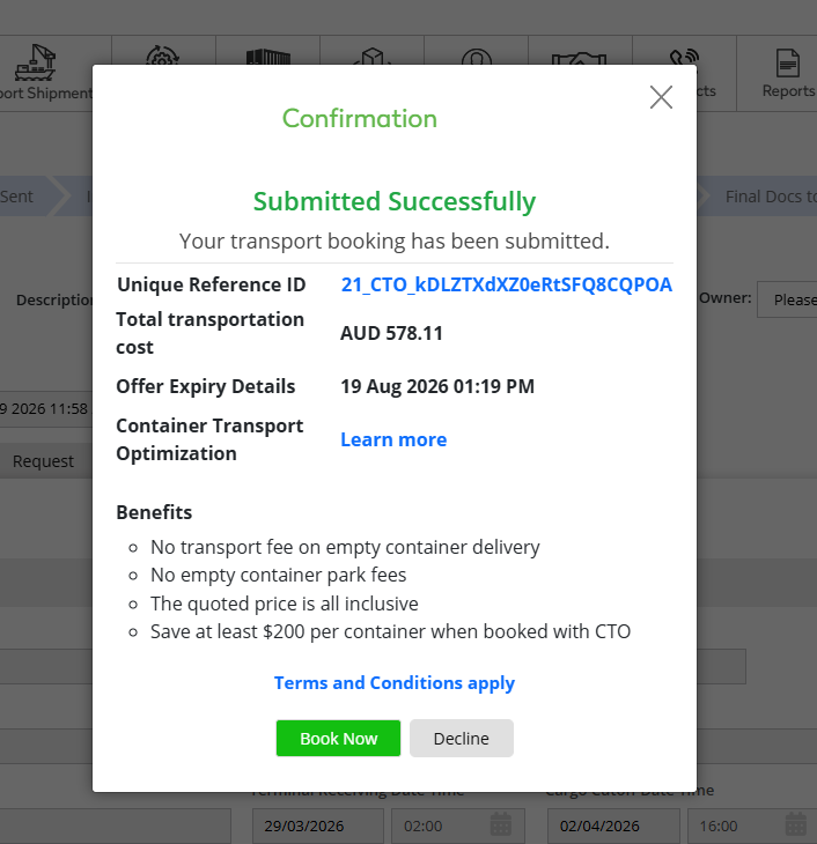
To proceed, click on and the user will be directed to the Transport booking Portal
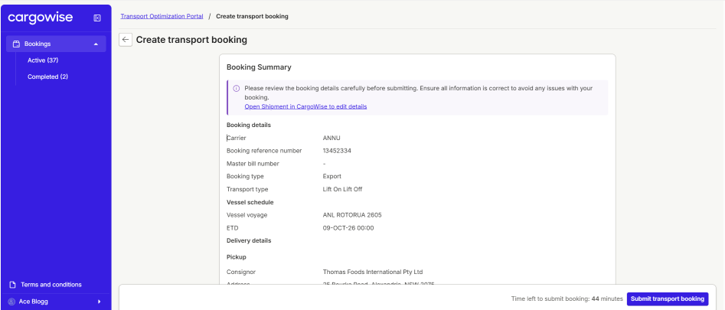
Review the details on the screen and 
Note: When the user for a company accepts an offer for the first time, they will be prompted with a click-through agreement that they need to agree to. Once one user signs the click-through, it will not be displayed again for other users of the same company unless the agreement is updated.
The transport booking will appear
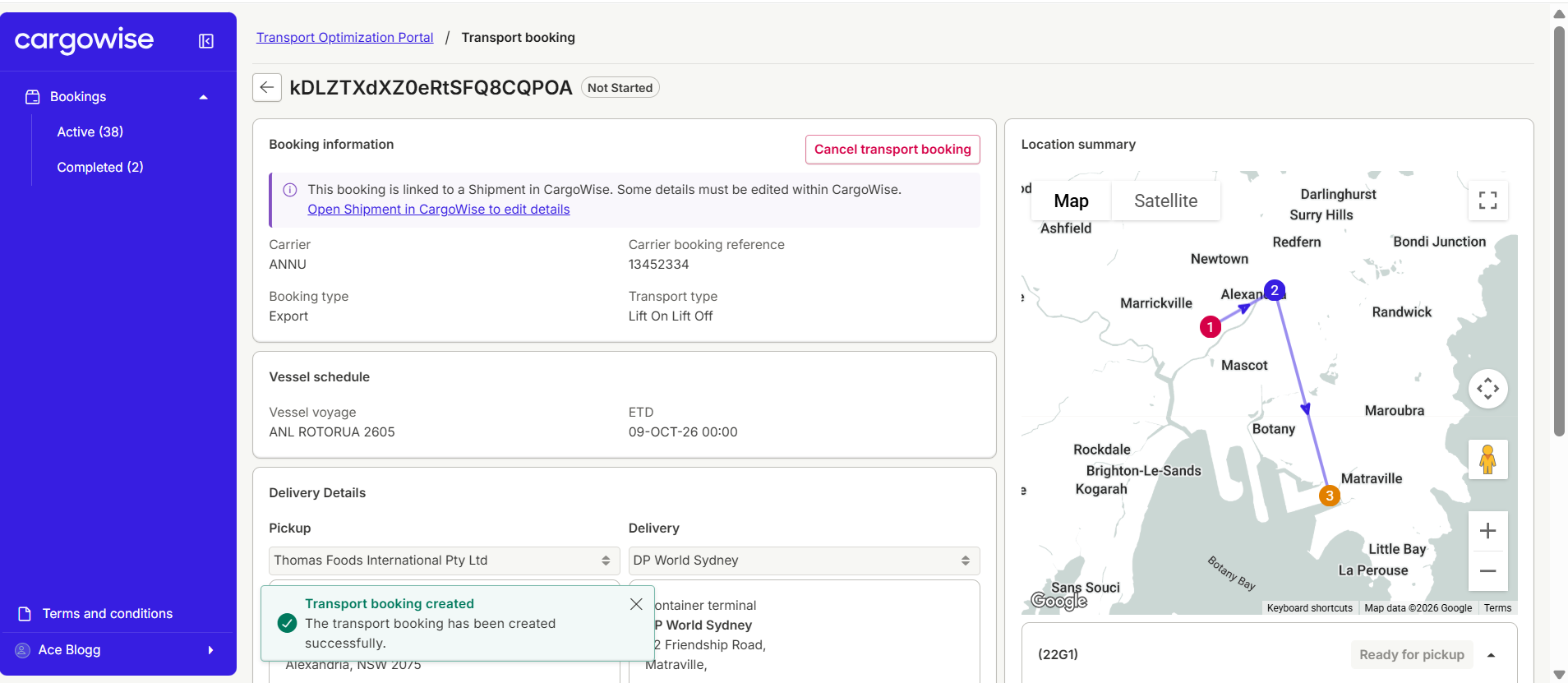
And the Status of the Transport Booking in ImpexDocs changes to Accepted.
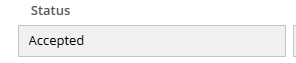
By clicking on  in ImpexDocs, the user will be directed to the transport booking to see the latest booking status.
2. Decline a Booking
In the below popup if user click ’ Decline ‘, then the booking will not progress and the Status of the Transport Booking will change to ‘ Declined’
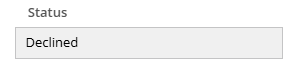 and a new Transport Booking document will need to be created to submit again.
3. Master Data
The partner master in ImpexDocs has been extended to accommodate for two additional partner types -
The following below fields have been added on the partner master. This needs to be maintained for Exporter, Empty Park and Terminal

Was this article helpful?
That’s Great!
Thank you for your feedback
Sorry! We couldn't be helpful
Thank you for your feedback
Feedback sent
We appreciate your effort and will try to fix the article