If you have multiple REX lines than instead of adding one line at a time, you can upload the LINE Items all together using the feature "Paste from Excel".
Once your REX record is added and your REX header details are filled out, follow the below steps to upload the Line items:
Step 1: Click on the REX lines tab
step 2: Click on "Paste from Excel" button and an excel will appear.

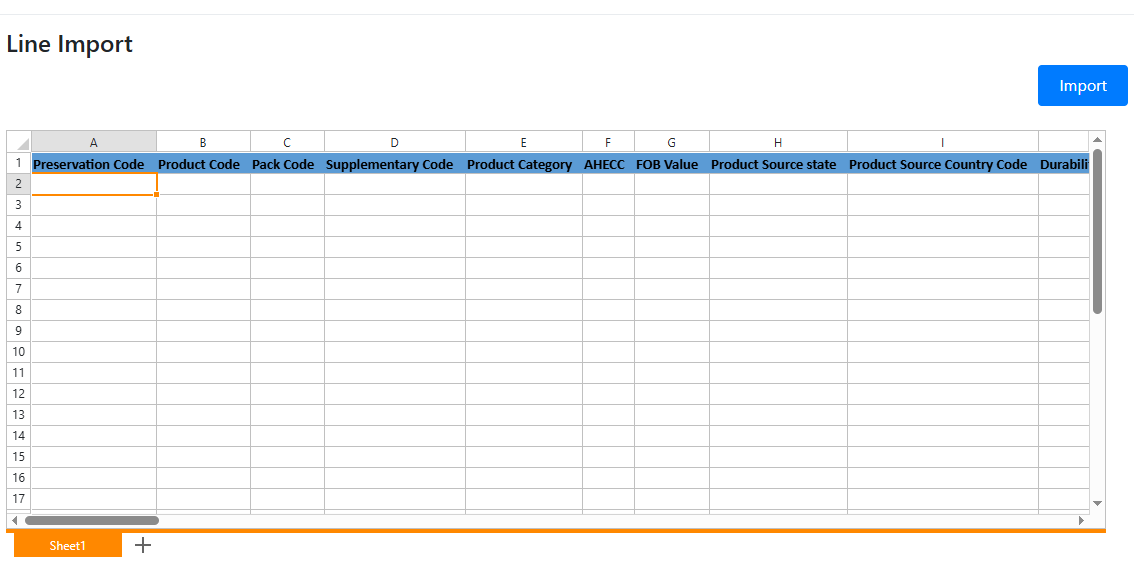
Step 3: Select the first cell and paste the details from your pre existing excel sheet.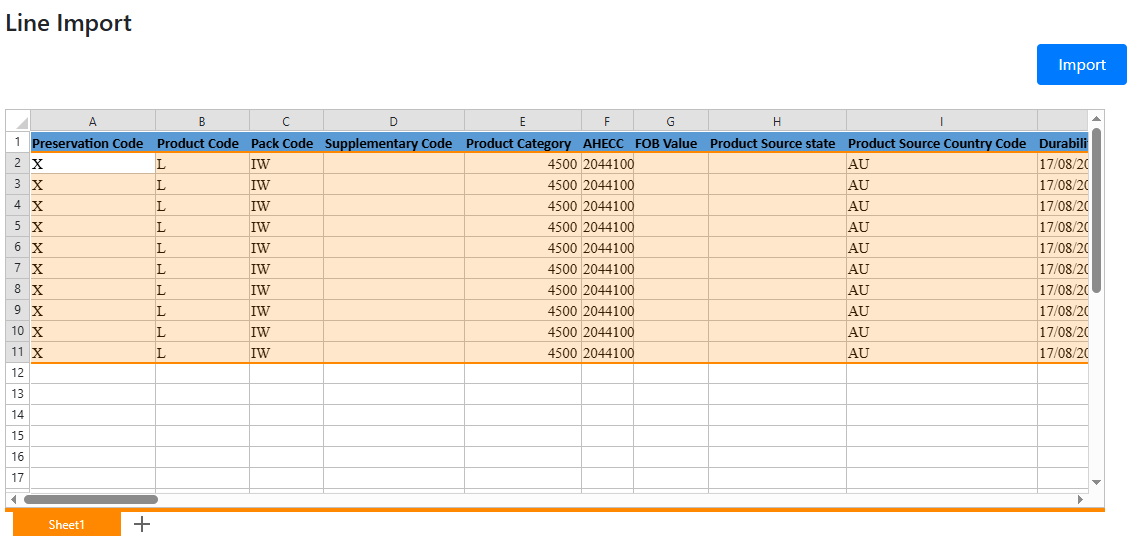
Step 4: Click on Import button to import the REX lines
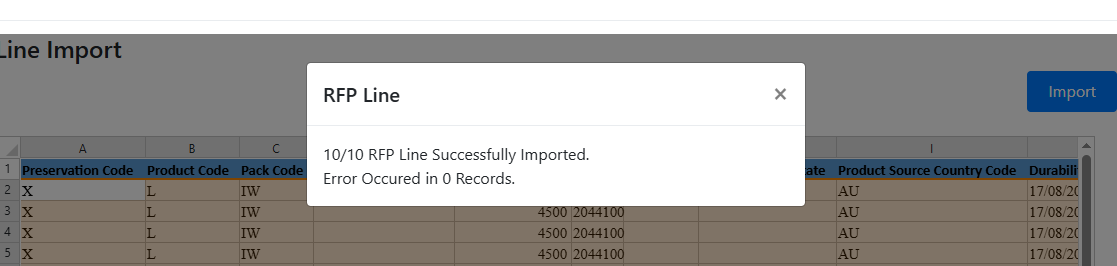
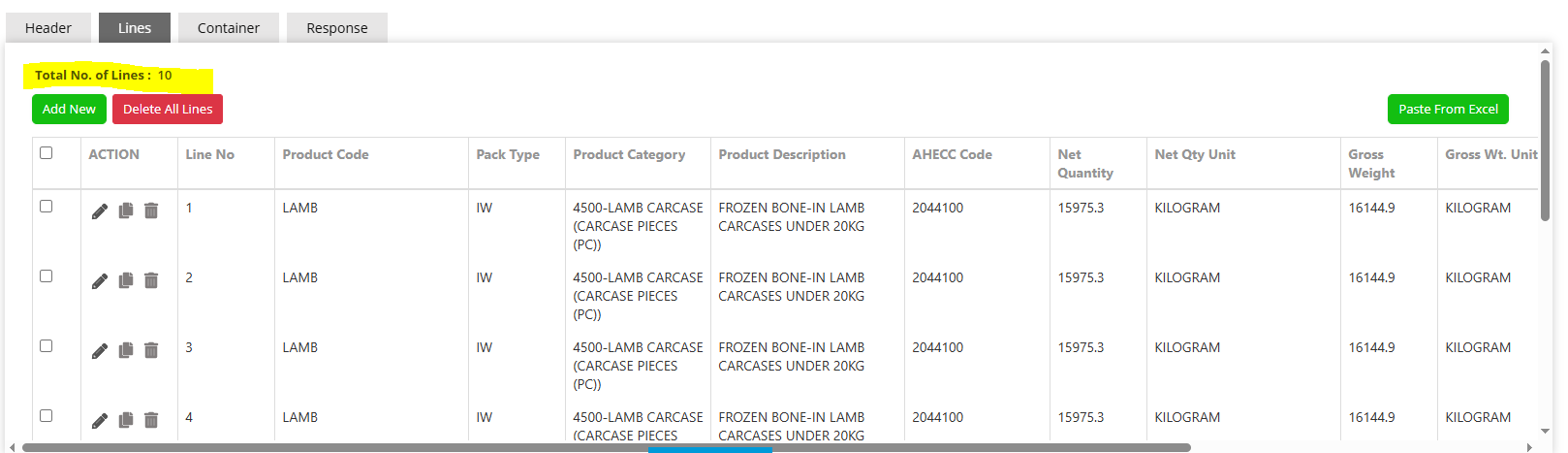
Below is the sample upload template.
Kindly download this excel sheet and update the details here to easily upload the details as mentioned in Step 3.
Was this article helpful?
That’s Great!
Thank you for your feedback
Sorry! We couldn't be helpful
Thank you for your feedback
Feedback sent
We appreciate your effort and will try to fix the article